
Best budgeting apps UK to help manage your finances smartly
Best budgeting apps UK: compare features, pros, cons and practical tips to choose the right money management app for your needs.
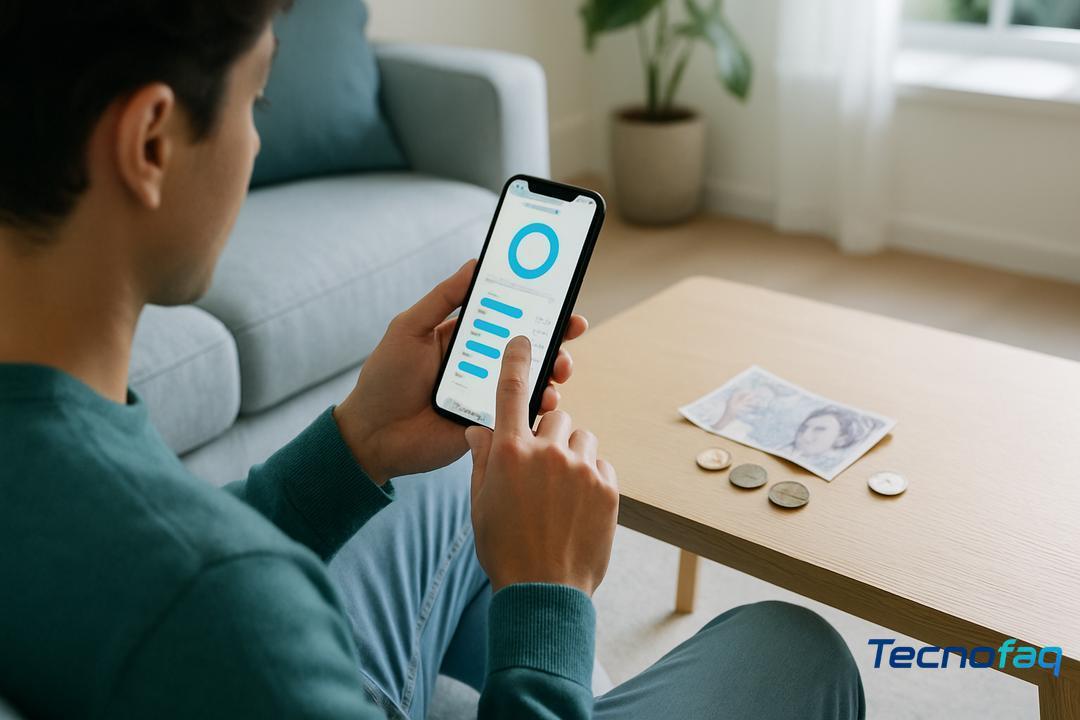
Managing your money can feel a bit like trying to juggle while blindfolded. Balancing bills, spending, and savings is tough, especially when life keeps throwing curveballs. If you ever look at your bank account and think, “Where did it all go?”, you’re definitely not alone.
Money tracking is a growing concern among people across the UK. According to research by the Money and Pensions Service, millions struggle to keep track of day-to-day finances. That’s why there’s huge interest in tools like best budgeting apps uk to bring a sense of control and clarity to everyday money management.
But here’s the snag: most app reviews just list features, or promise savings if you “stick to a plan”. Trouble is, what works for one person can leave someone else frustrated. Many guides skip the real-life pros and cons of these apps, or forget about the things that matter most, like privacy or support for your specific bank.
This guide does things differently. We’ll dig into the top features to look for, break down practical differences between leading budgeting apps, and give honest insights to help you pick one that fits real life, not just a spreadsheet. By the end, you’ll have clear, practical pointers to help you manage your money in a way that feels manageable and even a bit empowering.
Top features to look for in budgeting apps
Choosing the right budgeting app can make managing your money less stressful. The best apps offer features that help you see where your cash is going, stay on top of bills, and protect your personal info.
Bank syncing and open banking
The main thing to look for is easy bank syncing. This means the app connects safely to your UK bank account and updates your balances automatically. Most trusted apps use open banking, a system in the UK that lets you connect your accounts in a secure way. For extra peace of mind, apps using open banking must be registered with the Financial Conduct Authority (FCA), which keeps your data protected. If you want less hassle, pick an app that links to your main bank and updates every day so you don’t have to type in your transactions by hand.
Spending categorisation and bill alerts
Good budgeting apps sort your spending into categories, like groceries or takeaways, so you can spot where your money is going. This helps you find areas where you might cut back. Many apps also send you alerts when bills are due or if you spend more than usual on something. This can help you avoid late fees and plan ahead for big expenses. If you’re often surprised by bills, choose an app with clear, regular notifications.
Automated saving and forecasting
Some apps offer automated saving, which means they move small amounts of money into savings without you having to think about it. For example, an app might round up your spending or move money based on how much you can spare. This takes away some of the effort and can help you build up savings over time. Forecasting tools in some apps give you a glimpse of your monthly spending patterns and predict if you’ll run short before payday. Try an app with these features if you want to grow your savings or avoid running out at the end of the month.
Privacy and regulated security features
Privacy is key when it comes to money apps. Always check that the app is FCA-registered and has a clear privacy policy. This means your details should be handled securely and not shared without your permission. Many trustworthy apps also let you lock the app with a PIN or fingerprint, giving extra security. If privacy matters to you, read reviews and check what data the app collects before you sign up.
Comparison of leading UK budgeting apps
Budgeting apps in the UK come with different strengths. Comparing them helps you spot which ones fit your style and needs. This section looks at how they connect to your bank, what unique extras they offer, how smart their insights are, and how easy they are to use day-to-day.
Manual entry versus automatic bank linking
Some apps link directly to your bank and pull in your transactions for you. Others let you enter your spending by hand. If you want real-time updates and less effort, apps that use open banking can link your bank and show your actual balance. For example, Emma, Monzo, and Snoop all pull in your latest transactions automatically. Some still give you the option to add cash spending or accounts your bank won’t link, which keeps you flexible if you use cash often.
Niche features: subscriptions, family/partner options
Different apps shine at different things. Emma makes it easy to spot and manage all your subscriptions in one place. Plum is known for AI-powered savings, quietly putting money aside for you. HyperJar lets you manage joint finances or set spending pots for your household, which can be great for families or flatmates. Some apps even help you track spending with a partner, which is handy if you budget together.
AI and personalised spending insights
Some apps use AI and clever tools to spot spending patterns and give you tips. Snoop focuses on finding ways to save money based on your bills or spending habits. Plum uses smart algorithms to work out how much you can save each week, without leaving you short. Moneyhub is praised for its in-depth planning features which help you set longer-term goals. If you want more than just tracking, these tools can help you make smarter choices.
App usability: interface and support
Usability matters a lot. The best apps have clear screens, easy menus, and quick support if you get stuck. Emma is praised for its intuitive design, and many users prefer apps with straightforward reporting tools. Always check if the app runs well on your device and if you can easily reach support. A good interface makes budgeting less of a chore and helps you keep using the app in the long run.
Pros and cons of free versus paid apps
There are lots of free budgeting apps out there, but many also offer paid plans. Deciding which type suits you will depend on what you need and how often you’ll use the app. Let’s break down what you get for free and what you might pay for.
Limitations in free versions
Free apps are easy to try and let you get started without spending anything. But they can come with trade-offs. Common limits are ads, fewer features, and caps on how much you can do each month. Some will show you only your main spending, while extras like detailed reports or linking more accounts may be locked unless you pay. Free versions can also collect more of your data or give you constant pop-ups about upgrading.
When a paid app could be worth it
Paid plans ditch the ads and open up all the features. These often include things like priority support, advanced reports, or more ways to manage your budget. If you use the app daily, want privacy, or need better planning tools, paying a few pounds a month could feel worth it. Expert reviews often say paid apps give a smoother experience and more predictable costs, since there are fewer surprises.
Bundled extras and hidden costs
Some “free” apps offer in-app purchases or subscriptions for extras. Before you upgrade, check what’s actually included in the price and whether you’ll need to pay for features you care about. Always look at the small print for hidden charges, or how your personal data might be used. Sometimes, making a one-off payment or choosing a simple paid tier is actually cheaper in the long run than paying bit by bit for extras.
Tips for choosing the right app for your needs
Choosing a budgeting app is personal. The best app for you will fit how you manage money, work easily with your bank, and be simple to test before you spend anything. Here are some straightforward tips to help you pick well.
Identify your budgeting style
First, look for an app that works the way you do. Some people like strict plans and track every penny, while others want a gentle overview. If you follow zero-based or envelope budgeting, apps like YNAB might suit you. If you just want to see where money goes with less effort, simple trackers like PocketGuard or options with hands-off features are better. Try a few different types to see which feels comfortable.
Check compatibility with your bank and devices
Next, make sure any app you like connects properly to your bank and runs on your favourite phone or computer. It should show your real account balances and update transactions quickly. Choose apps with good security, like bank-grade encryption or multi-factor login. If you have several accounts or use different currencies, check those are supported too. A handy tip is to try typing in a few recent transactions to see how easy it feels.
Trial periods and switching strategies
Most apps let you try them free for several weeks. Use this to see if you like the layout, the alerts, and the reports. Enter real figures and check how it fits your routine. If you’re switching from another app, look for one that lets you import old data via tools like CSV, Excel, or OFX. This saves you from starting over. Experts suggest using each app for 2–4 weeks before deciding, so you know it’s right for you.
How smart budgeting apps can boost your financial confidence
Smart budgeting apps can boost your financial confidence by helping you see your money clearly and make sense of your spending. When you can check all your accounts in one place, set reminders for bills, and get alerts on your spending, managing money starts to feel much less stressful.
Recent research shows the majority of people who use budgeting apps feel more confident about handling their finances. One study found nearly ninety percent of users rated these apps as very or extremely helpful for staying on track. Key tools, like automated expense tracking, goal setting, and simple layouts, make it far easier to stick to a budget and get ahead.
Many users report that once they start tracking where their money goes, they feel more in control and less anxious about making decisions. Some apps offer future balance forecasts, which lets you plan for upcoming expenses and avoid nasty surprises at the end of the month. As a practical tip, try using an app that breaks spending into clear categories and lets you set simple savings goals, even small targets can give you a sense of progress.
Experts say that using a budget is not about saying “no” to yourself, but about having direction. The right app helps you feel more in control of your choices, so money worries don’t rule your day.
Many UK budgeting apps have free versions with core features, but some offer paid plans or subscriptions for extras like automation or advanced reports.
No, it's not required. Most apps support both automatic bank syncing and manual entry, so you can choose what fits your comfort level.
It helps to compare bank syncing options, spending categories, alerts, savings goals, and whether the app offers reports or subscription tracking.
YNAB is often seen as ideal for strict budgeting and planning, while Plum is a favourite for those who want automatic savings built in.